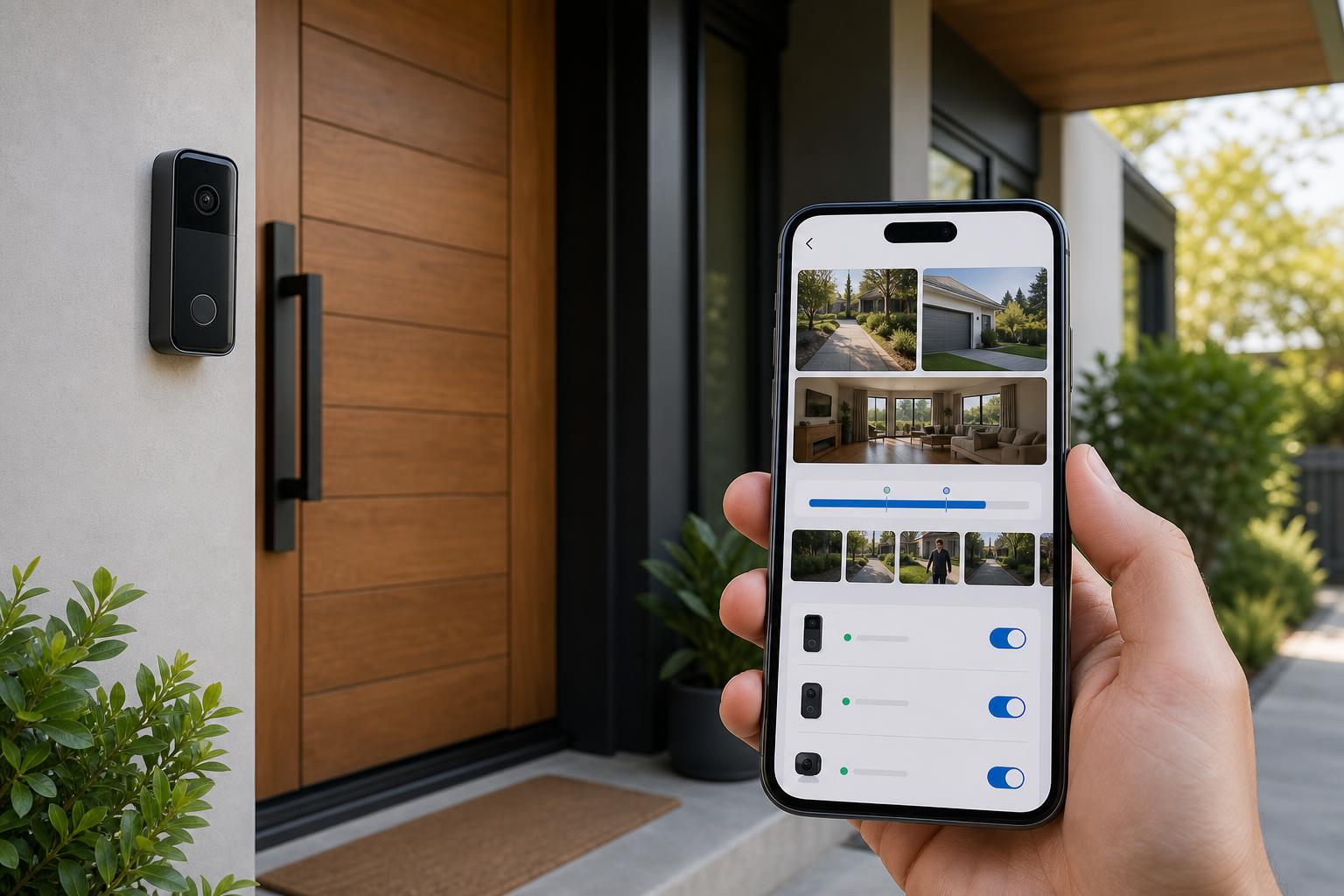
Google's spring 2026 Google Home updates finally give long-time Nest camera and doorbell owners a real reason to reconsider the old app divide. The headline feature is a one-click transfer flow for older Nest gear, but the more important change is that Google Home is starting to feel less like a compromise and more like a usable day-to-day camera app. That does not make this an automatic move for everyone. It does make it the first moment in a while when the answer is no longer an easy "wait."
What Actually Changed in Spring 2026
The biggest shift arrived in Google's March 31 release notes. In Public Preview, Google says older Nest thermostats, cameras, locks, and smoke alarms can now move from Nest to Google Home in one simple transfer flow instead of a more fragmented device-by-device process. That matters because complexity, not just missing features, has been one of the biggest reasons older Nest owners stayed put.
The camera side improved again in the late-April and early-May updates. Google highlighted faster navigation, smoother timeline scrubbing, redesigned event details, and a cleaner settings layout inside the Google Home app. Google also says earlier-generation Nest cameras are getting zoomed-in event previews, while some newer AI-style descriptions and familiar-face conveniences are tied to Google Home Premium tiers. In plain English, Home is getting faster and easier to scan, but the most advanced camera intelligence still is not entirely free.
If you are deciding whether to stick with Nest hardware at all, this update is also more relevant than it looks. A better app experience changes the value equation for older devices that still produce solid video. Before replacing a working doorbell or camera, it is worth comparing your current setup against our best video doorbells guide or the latest best indoor security cameras and best outdoor security cameras.
Why Some Owners Should Move Now
If your household already lives inside Google Home for speakers, displays, automations, or newer Nest devices, the app is finally strong enough to justify consolidation. A single place for cameras, locks, automations, and device controls is genuinely more useful than bouncing between apps, especially for homes where multiple people need to check the front door quickly.
The newer camera interface also sounds meaningfully better for daily use than what many older Nest owners remember from earlier Home previews. Google is emphasizing faster history navigation, better event filtering, and more useful previews. Third-party coverage from 9to5Google also points to practical quality-of-life upgrades such as 10-second skip controls, faster timeline scrolling, and expanded support for earlier-generation Nest cameras. For owners who mostly want quicker access to clips and alerts, those are not cosmetic tweaks. They are the whole point.
This is also the first update that makes Google Home feel more future-facing than merely catch-up. Google is tying cameras more closely into broader home controls, notifications, and automations. If your longer-term plan is a mixed smart home with cameras, locks, sensors, and routines working together, moving sooner makes more sense than waiting for the Nest app to remain frozen in amber.
Why Others Should Still Wait
The transfer flow is still labeled Public Preview, and that label should not be ignored on security hardware. Google frames the move as simple, but public-preview software can still mean edge cases, incomplete parity, and support documentation that looks cleaner than the real-world migration path.
There is also enough community friction to avoid calling this a zero-risk upgrade. In one recent Nest Community thread about moving a first-generation Nest Hello, a user reported being told by support to factory-reset the device and, if that failed, potentially delete the old Google Home structure entirely before trying again. That does not prove a widespread failure pattern, but it is exactly the kind of hassle stable households want to avoid.
If your older Nest cameras already do the job, your notifications are dialed in, and other people in your home rely on the current setup just working, caution is still rational. That is especially true for larger homes with shared access, multiple properties, or a stack of older devices you do not want to troubleshoot on a weekday morning.
The Simple Decision Framework
Move now if you have one primary home, a manageable number of older Nest cameras or doorbells, and a clear reason to consolidate into Google Home. Good reasons include wanting better camera timelines, using Google Home automations already, or planning to add more Google-compatible security gear this year. Buyers cross-shopping replacement hardware should also revisit our Ring vs Nest doorbell comparison before spending money just to solve an app problem.
Wait if your system is already dependable and the migration upside feels mostly cosmetic. Waiting is the safer call if you have complex room assignments, a larger family setup, many legacy devices, or a low tolerance for reconfiguration. The smart move is not always the newest move. Sometimes it is letting the preview label disappear first.
How To Make the Move With Less Pain
If you do decide to transfer, treat it like a maintenance window, not a casual tap. Update the Google Home and Nest apps first. Confirm each camera or doorbell is online before you start. Take screenshots of important notification settings, activity zones, and any shared-access setup you would hate to recreate from memory. Then begin with the least critical device, not the one watching your main entry.
It is also smart to avoid doing the migration right before a trip, delivery-heavy week, or anything else that raises the cost of a hiccup. If your home security plan is broader than just one app decision, our home security system buying guide is a better next read than chasing every new feature announcement one by one.
Bottom Line
For the first time in a while, Google Home looks good enough that many older Nest camera and doorbell owners can reasonably consider moving over. The app is faster, the transfer story is cleaner than it used to be, and Google is clearly putting its future camera features there instead of in Nest.
But this still is not a blind recommendation. Public Preview status, subscription-gated extras, and at least some migration friction mean the best answer depends on how stable your current setup is and how much you value a unified app. If you want the short version, move now only if consolidation solves a real pain point. If your current Nest setup is boring in the best possible way, waiting a bit longer is still a perfectly smart call.
FAQ
Can older Nest cameras and doorbells move to Google Home in one step now?
Google says the new Public Preview transfer flow can bring older Nest cameras, along with other older Nest devices, into Google Home in one simple process. That is a real improvement over the messier migration story older owners dealt with before.
Do you need Google Home Premium for the new camera features?
No, but some of the most advanced camera extras do depend on paid Google Home Premium plans. Google has tied certain AI descriptions and familiar-face style conveniences to premium tiers, while broader interface and navigation improvements roll out more widely.
Should first-generation Nest Hello and older Nest Cam owners wait?
If your current setup is stable and you cannot afford migration friction, waiting is still sensible. If you actively want one app for cameras, automations, and future Google Home features, the spring 2026 updates make the move more defensible than it was a few months ago.